Dial Indicator Types and How to Choose One
Plunger and lever dial indicators compared, with magnetic base sets scored for range, accuracy and holding power.

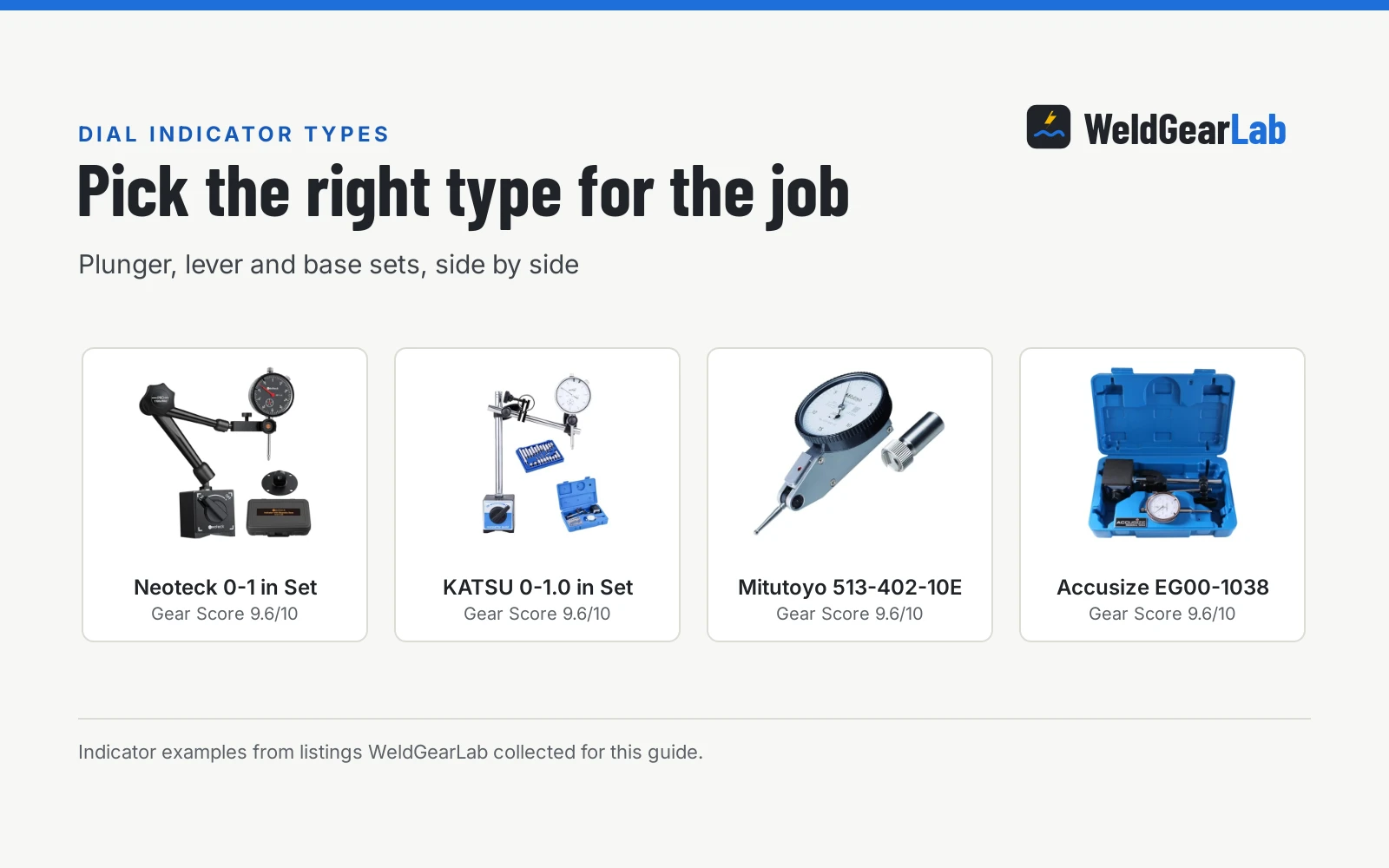
On this page
Top picks at a glance
As an Amazon Associate I earn from qualifying purchases.
- 1
 Neoteck 0-1"/0.001" Dial Indicator and 176lbs9.6/10View on Amazon
- 2
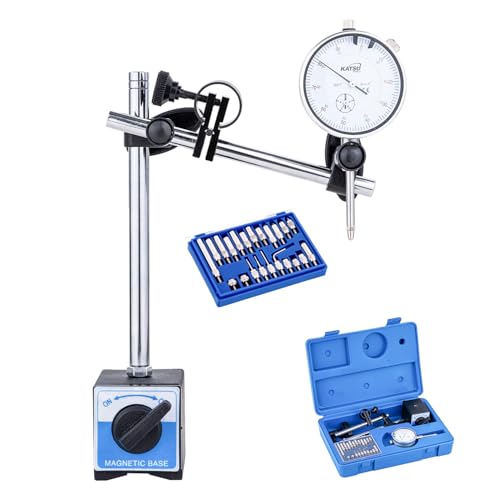 KATSU Tools Dial Indicator with Magnetic Base9.6/10View on Amazon
- 3
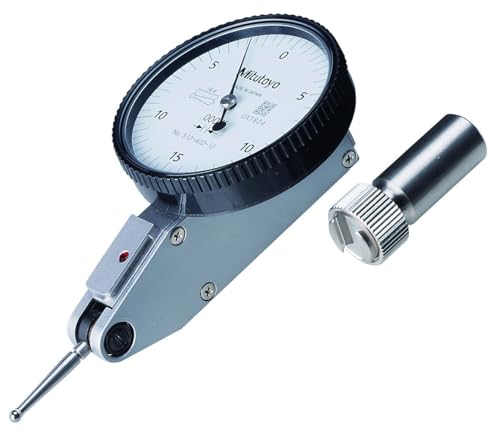 Mitutoyo 513-402-10E DIAL TI, BAS, STD 0.03"9.6/10View on Amazon
- 4
 Accusize Industrial Tools 0-1'' by 0.001'' Dial9.6/10View on Amazon
When a lathe chuck wobbles or a mill vise sits off square, the cut tells on you before any gauge does. The tool that turns that feeling into a reading is the dial indicator, and dial indicator types split into a few clear families. This guide lays out the plunger and lever types, what a magnetic base adds, and how to match one to the job, with shop picks scored on the listings.
This guide links to our product roundups, where WeldGearLab gets a commission on purchases made through links on this page, and your price stays the same. Read our affiliate disclosure.
Neoteck 0-1"/0.001" Dial Indicator and 176lbs
A 0-1 in dial indicator with a 176 lb magnetic base, adjustable arms and a storage case, built to mount fast and read runout on lathes, mills and 3D printers.
Pros
- 0-1 in range with 0.001 in accuracy
- 176 lb magnetic base with 2 magnet faces and on/off control
- Lower arm 5 in and upper arm 4.5 in, with a fine adjustment knob
- Hardened stainless steel rack and contact point, made to ASME/ANSI standards
Cons
- Full 176 lb pull needs metal at least 30 mm thick
- No warranty term is stated
- Plastic case rather than a fitted hard box
- No spare contact point set is listed
KATSU Tools Dial Indicator with Magnetic Base
A 0-1.0 in dial indicator with a 132 lb magnetic base, fine adjustment and a 22-piece point set, built to handle varied tips and angles in automotive and engineering work.
Pros
- 0-1.0 in range with 0.001 in accuracy
- 22-piece indicator point set included
- 132 lb magnetic base with 2 magnetic faces and on/off switch
- Fine adjustment cross arm for multi-angle setup
Cons
- Holding power is 132 lb, below the 176 lb Neoteck base
- No warranty term is stated
- No arm lengths are stated
- No material stated for the rack or contact point
Mitutoyo 513-402-10E DIAL TI, BAS, STD 0.03"
A lever-type dial indicator with 0.0002 in accuracy, a 0.03 in range and an inspection certificate, built for close-tolerance checks where a plunger cannot sit square.
Pros
- Finest accuracy here at 0.0002 in
- Inspection certificate with traceable bidirectional evaluation
- Built for impact resistance in industrial and engineering use
- 0.0005 in graduation for fine readings
Cons
- No magnetic base, case or contact point set is stated
- 0.03 in range is the narrowest here
- No warranty term is stated
Accusize Industrial Tools 0-1'' by 0.001'' Dial
A 0-1 in dial indicator with a 60 kg magnetic base, AGD 2 style body, lug back and rotational bezel, built to mount, zero and read runout in industrial measuring tasks.
Pros
- 0-1 in range with 0.001 in accuracy
- 60 kg magnetic base with fine adjustment and on/off switch
- Rotational bezel with clamp for easy zero setting
- Interchangeable hardened contact point and satin chrome finish
Cons
- No warranty term is stated
- No spare contact point set is listed
- No arm lengths are stated
Dial indicator types
Most shop indicators are plunger types. A stem moves in and out as the tip rides the work, and the needle shows how far the surface moves. The plunger sets in this guide state a 0-1 in range with 0.001 in accuracy, which covers runout checks, table alignment and vise setup on hobby and farm machines. A lever indicator works on a swinging arm instead of a plunger, which suits tight spots where a plunger cannot sit square. The Mitutoyo listing here is that lever type, with a 0.03 in range and 0.0002 in accuracy, and it comes with an inspection certificate.
A magnetic base turns either type into a hands-free setup. The base grips a cast iron table or machine surface, the arm holds the indicator, and a fine adjustment knob lets you creep the tip onto the work. The bases in this guide state 132 lb, 176 lb and 60 kg of holding power, each with an on/off switch, and the KATSU and Neoteck bases state 2 magnetic faces, so the base stays put while you turn the part by hand.
Side by side
| Range | Accuracy | Magnetic base | In the box | |
|---|---|---|---|---|
| Neoteck 0-1 in Set | 0-1 in | 0.001 in | 176 lb, 2 magnet faces, on/off | Indicator, base, plastic case |
| KATSU 0-1.0 in Set | 0-1.0 in | 0.001 in | 132 lb, 2 magnetic faces, on/off | Indicator, base, 22-piece point set, case |
| Mitutoyo 513-402-10E | 0.03 in | 0.0002 in | Not stated | Indicator only |
| Accusize EG00-1038 | 0-1 in | 0.001 in | 60 kg, on/off (spec table says 110 lb pull) | Indicator, base, fitted box |
Read the Accusize row with care. The bullets state a 60 kg magnetic base, while the spec table size line says 110 lb pull. This guide follows the bullets, since the listing title and bullets outrank the spec table, and the review below notes the mismatch.
Dial indicators for the shop
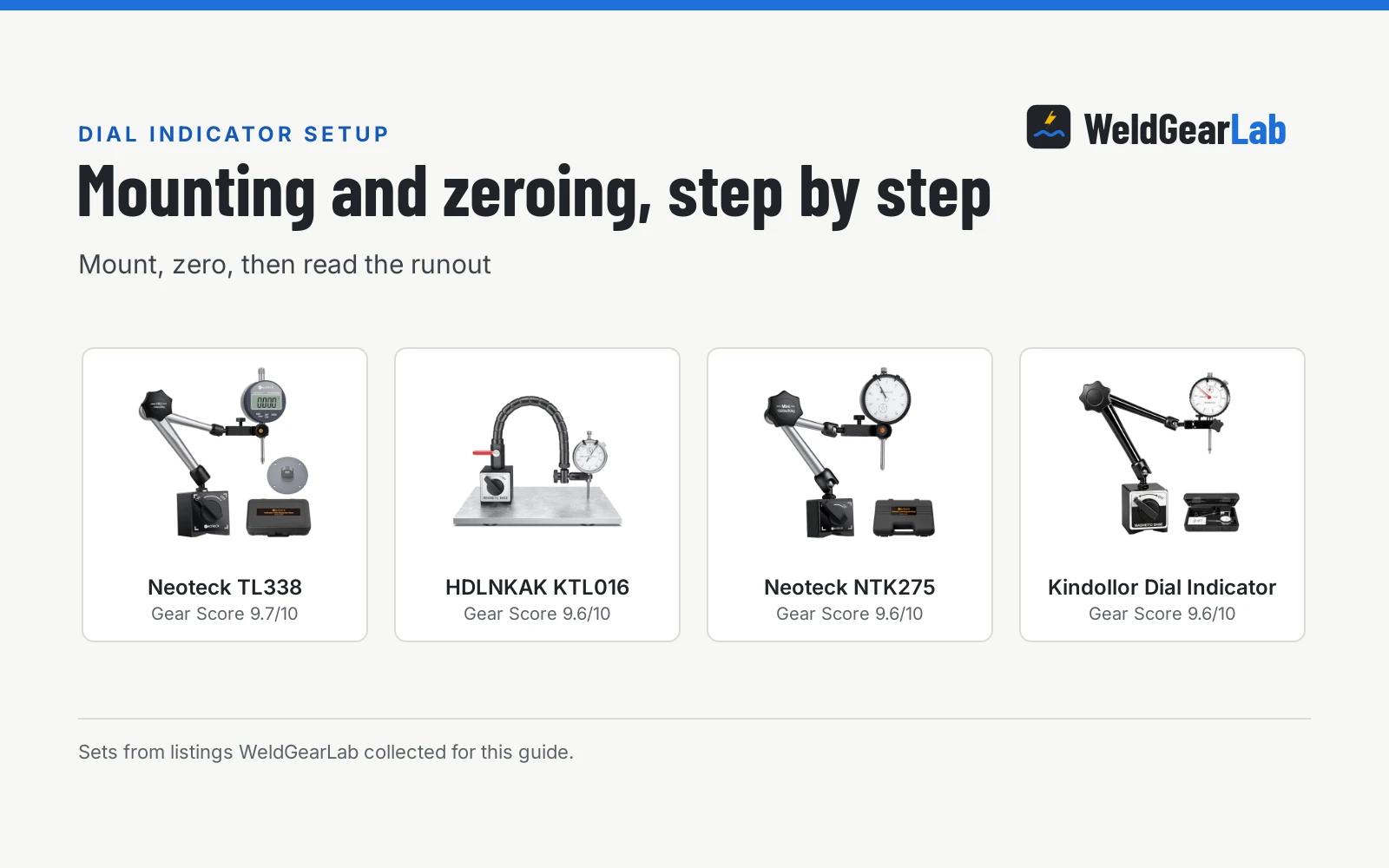
The picks below cover the steps in the same job: mount the base, zero the needle, and read the runout as the part turns. The Mitutoyo is the indicator alone, so it covers the reading step with a holder of your own.
How to choose one
Start with the movement you expect to measure. A plunger indicator with a 0-1 in range suits runout and alignment checks on lathes, mills and table saws, while a lever indicator suits close work where the tip must reach into a tight spot. Then look at the base: a stronger stated pull gives more margin, and an on/off switch lets you slide the base into place before you lock it down. Check what the listing actually includes, since some indicators ship alone with no base or case, and the Mitutoyo here is one of those.
When you check a chuck or spindle, keep hands clear of rotating parts, keep guards in place, and wear eye protection. Turn the spindle by hand for the reading, never with the power on. For rough sizing before you reach for the indicator, see how to use digital calipers.
FAQ for welders
What is the difference between a dial indicator and a lever indicator?
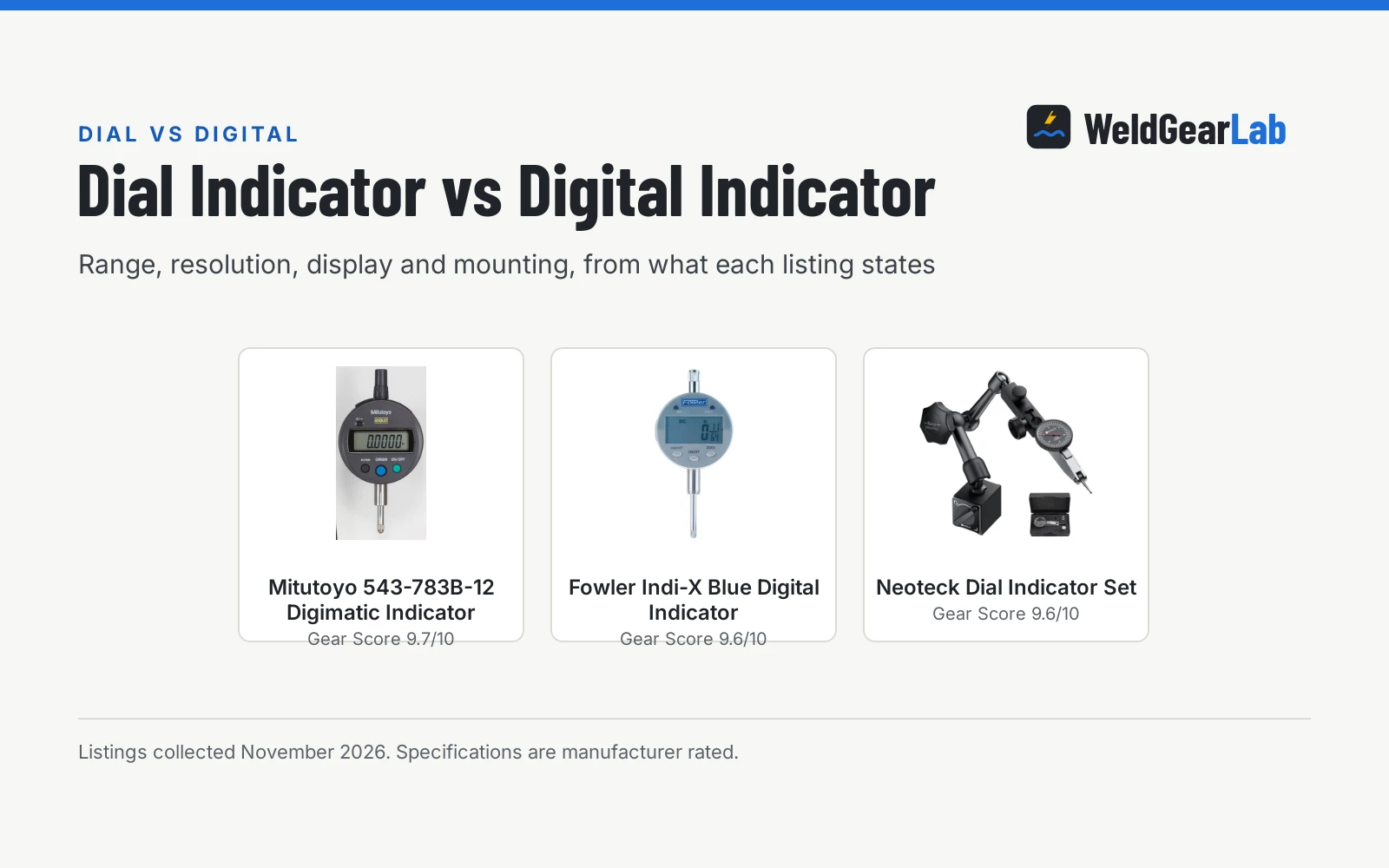
A dial indicator uses a plunger that moves straight in and out, while a lever indicator uses an arm that swings. The plunger type suits general runout and alignment checks, and the lever type reaches into tight spots where a plunger cannot sit square. The Mitutoyo pick here is the lever type, and the other picks are plunger types with magnetic bases.
What does the accuracy figure on a dial indicator mean?
The accuracy figure states how close the reading stays to the true movement, and a smaller figure means a smaller stated error. The plunger sets here state 0.001 in accuracy, while the Mitutoyo lever indicator states 0.0002 in accuracy with a 0.0005 in graduation. Match the figure to the tolerance of the job, and remember that the base and setup matter as much as the dial.
Do I need a magnetic base with a dial indicator?
A base is not part of every indicator, and the Mitutoyo here ships as the indicator alone. A magnetic base holds the indicator on a machine table or cast surface so both hands stay free, and the bases here state 132 lb and 176 lb of holding power with on/off control. If your work is mostly on a lathe or mill, a base set saves setup time.
How do I zero a dial indicator?
Mount the indicator, bring the tip onto the work, and turn the bezel until the needle sits on zero. The Accusize pick states a rotational bezel with a clamp for easy zero setting, and the KATSU and Neoteck sets state fine adjustment on the arm for the same job. Zero with the tip loaded against the surface, then turn the part and watch the needle.
Can I use a dial indicator to check lathe runout?
Yes, that is one of the main uses the listings name, along with mills, table saws and 3D printers. Mount the base on the lathe bed or a flat machine surface, set the tip against the chuck or workpiece, and turn the spindle by hand while you watch the needle. Keep hands clear of rotating parts and guards in place while you work.
Related: dial indicator vs digital indicator, how to use digital calipers, metal file types, and the metal fab tools hub.