Welding Helmet Sensitivity and Delay Settings Explained
Auto-darkening welding helmet sensitivity and delay controls govern how easily the lens darkens and how long it stays dark after the arc stops, protecting your eyes across different welding processes.
 By WeldGearLab Editorial
Updated October 9, 2026
By WeldGearLab Editorial
Updated October 9, 2026
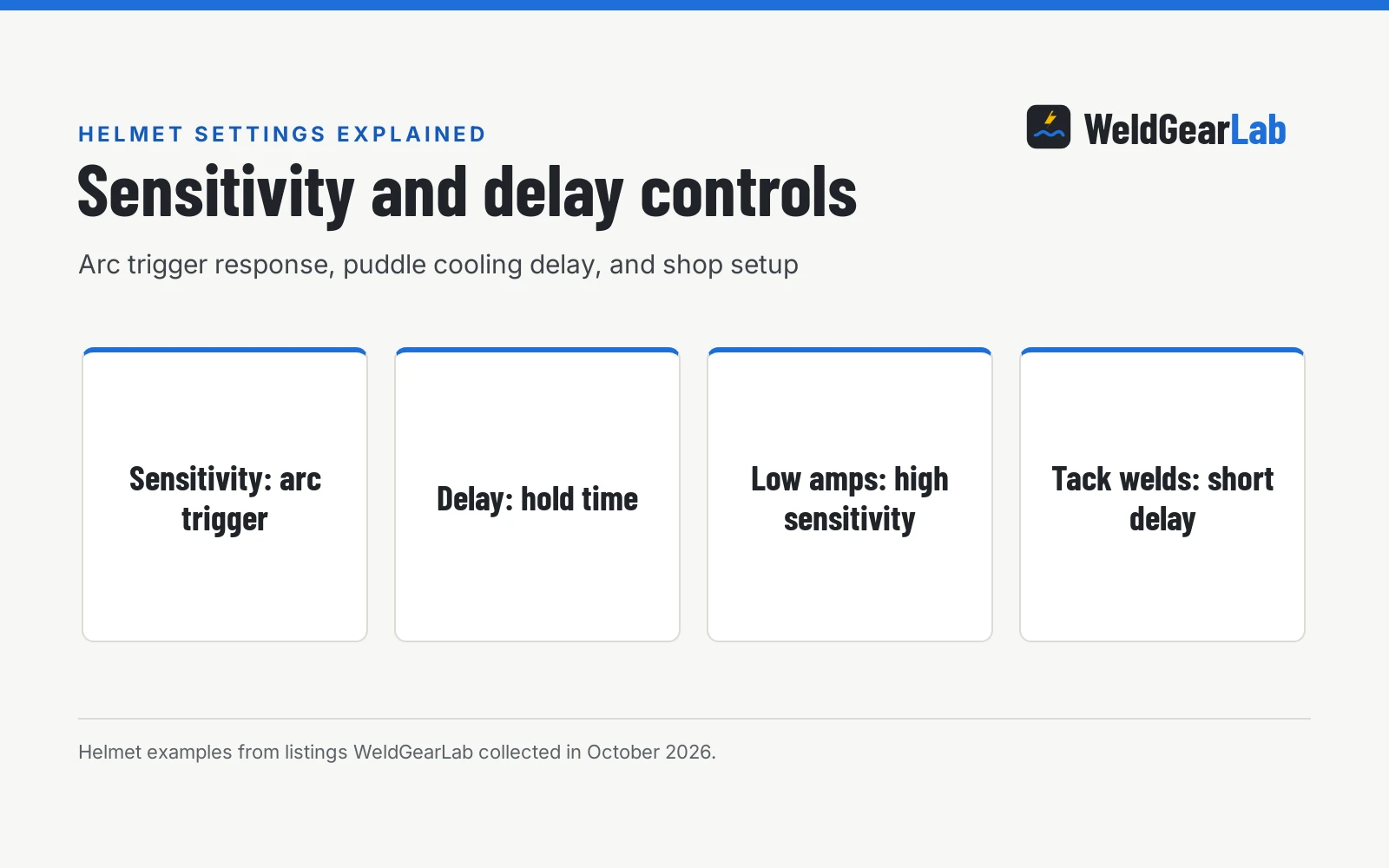
Auto-darkening welding helmet sensitivity and delay controls govern how your lens reacts before, during, and after you strike an arc. Sensitivity controls how faint an arc can be before triggering the lens to darken, while delay sets how long the lens stays dark after the arc extinguishes. With welding helmet sensitivity and delay settings explained, you can prevent flash burn, avoid false triggers from shop lights, and protect your vision over a glowing puddle. This guide details how to set auto darkening sensitivity and dial in both controls for every welding process.
As an Amazon Associate I earn from qualifying purchases. This guide links to our product roundups, where WeldGearLab earns a commission when you buy through links, at no extra cost to you. Read our affiliate disclosure.
The difference in one paragraph
Sensitivity controls the arc trigger threshold, while delay controls the dark hold duration. Sensitivity determines how faint an optical signal can be before the electronic arc sensors switch the cartridge from a light resting state into dark protection. Delay begins the moment the arc stops, keeping the lens shaded while molten metal cools so your eyes never look directly at yellow or orange heat. Setting sensitivity too low causes flashing, while setting delay too short exposes your eyes to glowing puddle glare.
Side by side
| Welding task or feature | Sensitivity control | Delay control | Shop adjustment guideline |
|---|---|---|---|
| Primary role | Controls arc trigger threshold | Controls dark hold duration | Balance both to protect eyes and maintain workflow |
| Trigger source | Arc sensors detecting infrared and visible light | Internal timer circuit holding dark state | Keep front cover lens clean for reliable detection |
| Low-amperage TIG | Set high to detect faint, low-current arcs | Set short to medium for delicate cooling | Miller responds down to five amps or below |
| High-amperage MIG | Set medium to avoid false triggers | Set long to protect eyes from glowing puddle | Hold lens dark until cherry red pool cools |
| Tack welding | Set medium to high for quick detection | Set to minimum for immediate clearing | Allows rapid torch repositioning between tacks |
| Outdoor work | Set low to avoid locking dark from sunlight | Set standard to match welding process | Angle sensors away from direct ambient sunlight |
| Adjustment style | Continuous dial or internal buttons | Digital steps like ARCCAPTAIN ±2 levels in 0.01 increments | Dial in increments until stable |
| Sensor array | Two, four, five, or six sensors across brands | Timer circuit independent of sensor count | More sensors provide better multi-angle detection |
Both controls adjust electronic circuits inside the auto-darkening cartridge, but they operate at opposite ends of the weld cycle. Sensitivity monitors incoming light before and during the weld, whereas delay governs lens recovery after the arc breaks. Balancing both dials ensures the cartridge switches immediately when an arc ignites and remains dark until all visible thermal radiation has subsided.
When higher sensitivity is the better choice
Increasing sensitivity makes the optical sensors more responsive to dim or shielded arcs. You will need to turn sensitivity up in situations where arc light is subtle or partially blocked:
- Low-amperage TIG welding. Low-current arcs produce faint light that standard sensor thresholds can miss. For example, Miller notes that its Classic Series helmet responds down to five amps or below, which requires high sensitivity to keep the lens reliably dark on delicate passes.
- Obstructed and recessed joints. When welding inside corners, pipe joints, or around deep fixtures, torch nozzles or joint edges can partially shield direct arc light from your faceplate. Higher sensitivity allows the optical sensors to catch indirect reflections off surrounding base metal.
- Out-of-position fabrication. During overhead or vertical passes, your head position and torch angle change constantly relative to the weld pool. Elevated sensitivity keeps the auto-darkening circuit engaged even when torch tilt angles reduce direct light to the hood.
- Stable arc holding on small inverters. When running light stick electrodes or low-heat MIG beads on thin sheet metal, the arc can flutter. Higher sensitivity prevents the filter from chattering between light and dark states mid-weld.
If you set sensitivity too high, ambient shop lights, nearby grinding sparks, or overhead fixtures will trip the lens before you even drop your torch.
When longer delay is the better choice
Delay controls the hold time before the liquid crystal display relaxes back to its clear resting shade. Extending delay is essential whenever welding conditions leave residual heat:
- High-amperage MIG and stick passes. Heavy welds on thick plate produce a large puddle that glows red after the arc shuts off. A longer delay setting holds the lens dark until the steel cools below blinding brightness.
- Thick plate and multi-pass joints. Heavy steel sections retain substantial thermal energy, creating prolonged radiant glow at the weld crater. Extending delay prevents sudden visual shock when breaking the arc at the end of a hot joint.
- Pulse welding and stitch welding. In pulsed processes or intermittent seams, a moderate to long delay prevents the cartridge from pulsing or flickering between brief arc pauses.
- Tungsten cooling in TIG welding. At the end of a TIG bead, post-flow shielding gas protects the hot tungsten electrode. A longer delay keeps the cartridge shaded while the red-hot tungsten tip cools down.
Conversely, shorter delay is preferred for rapid tack welding or sheet metal fit-up, allowing the lens to clear immediately between tacks so you can align the next joint quickly.
Welding helmet sensitivity and delay settings explained
Inside every auto-darkening filter cartridge sits an array of optical sensors, an electronic control circuit, and layers of liquid crystal cells.
Helmets detect the arc using dedicated optical sensors mounted around the viewing cartridge. Models in our reference sample feature two, four, five, or six arc sensors. For example, Miller and YESWELDER offer models with two arc sensors, while ARCCAPTAIN, YESWELDER, and Femitu list four arc sensors. Digital models from ARCCAPTAIN use five arc sensors, and ANDELI equips its hood with six arc sensors. Having more sensors helps maintain arc detection when working at unusual angles where a hand or torch could block a single sensor.
When an arc strikes, the optical sensors detect the sudden burst of light and signal the electronic filter to switch from clear to dark. Switching response occurs in fractions of a second: Miller lists a 1/23,000 second switching speed, ARCCAPTAIN and Femitu list 1/25000 sec response, YESWELDER lists a 1/30000 sec switching speed, and UCC LIFE notes a 0.1 millisecond auto-darkening filter. Higher sensitivity lowers the trigger threshold, making the circuit respond to weaker pulses of arc radiation.
When the arc extinguishes, the delay circuit holds the filter dark across its active shade range, such as shades 8-13 on Miller, shades 5-9 and 9-13 on YESWELDER, or DIN5-13 on Femitu. After the delay duration elapses, the lens returns to its clear resting shade, such as shade 3 on Miller or DIN4 on models from ARCCAPTAIN, VS, Femitu, and ANDELI.
Adjustment controls vary across helmet designs. Basic hoods use analog potentiometers or continuous dials inside or outside the shell, while advanced digital helmets offer fine step adjustments. For example, ARCCAPTAIN specifies delay fine-tuning within ±2 levels in 0.01 increments on its internal display, giving welders precise control over hold duration.
How to dial in both controls step by step
Dialing in an auto-darkening welding hood requires a logical setup process before you begin fabrication. Follow this sequence to find the ideal balance for your workshop:
Calibrate for ambient shop light. Put on your helmet in your regular shop lighting with your welder turned off. Point your hood toward your welding table and overhead lights. If the lens darkens, sensitivity is too high. Turn the knob down until the lens clears and remains stable in ambient room light.
Verify arc detection threshold. Strike an arc on scrap metal using your planned welding process. Confirm that the lens darkens smoothly without hesitation. If the filter fails to trigger or chatters between states, increase sensitivity slightly until the dark state holds firm throughout the bead.
Set delay for puddle cooling. Run a bead and observe the lens after the arc stops. If you catch an uncomfortable flash of orange glare from the hot puddle, dial the delay control toward longer hold. If you are tack welding and the hood clears too slowly, turn delay toward minimum.
Compensate for outdoor sunlight. Sunlight can cause auto-darkening cartridges to lock dark. Lower your sensitivity dial until the hood clears under open sky, and position your body to shade the front sensors from direct sunlight.
Do incorrect settings cause arc flash?
Improper sensitivity or delay adjustments do not disable a certified helmet’s passive radiation filter, but they do cause painful flash glare and visual fatigue. Auto-darkening cartridges incorporate permanent optical filter layers that continuously block harmful ultraviolet and infrared radiation, even when the electronic shutter is unpowered or in its clear shade.
For example, listings from ARCCAPTAIN, ANDELI, and UCC LIFE specify DIN 16 UV/IR protection that remains active at all times. Certified welding helmets meet recognized impact and optical safety standards, including ANSI Z87.1, CSA Z94.3, or EN379 specifications, as listed on models from Miller, ARCCAPTAIN, and YESWELDER.
While the passive filter blocks invisible radiation, improper settings expose your pupils to intense visible light. If sensitivity is set too low, the cartridge may fail to trigger when you strike an arc, resulting in an unexpected visible flash. If delay is set too short, the lens clears prematurely while the weld puddle is still white-hot, causing glare and eye fatigue.
Arc flash and shop eye safety. Always inspect your helmet cartridge and battery before striking an arc. Ensure the front cover lens is clean and free of spatter. Wear secondary safety glasses meeting ANSI Z87.1 standards under your hood at all times to protect against flying slag during chipping and grinding. Check equipment manuals and follow standard workshop eye safety practices. See our best auto darkening welding helmet guide for premium hoods with certified optical clarity and multi-sensor arrays.
Frequently Asked Questions
What is the difference between sensitivity and delay on a welding helmet?
Sensitivity controls how easily arc sensors trigger the auto-darkening filter into its dark shade, responding to arc light. Delay controls how long the lens stays dark after the arc goes out, giving the molten puddle time to cool. Balancing both settings prevents eye strain while keeping your workflow smooth.
Why does my auto-darkening welding helmet darken in normal room light?
Your sensitivity is set too high for your shop environment, causing overhead bulbs to trip the sensors. Turn the sensitivity dial downward until the lens returns to clear in ambient lighting. If the problem persists, shield the sensors from direct overhead fixtures.
What delay setting should I use for tack welding?
Set your delay dial toward minimum recovery when performing repetitive tack welds. A short delay allows the cartridge to clear immediately after each burst of arc light so you can align the next joint without lifting your helmet. For heavier continuous welds, increase delay to shield your eyes from the hot crater.
How do I set welding helmet sensitivity for low-amperage TIG welding?
Turn sensitivity toward maximum so the sensors detect the faint arc produced during delicate TIG work. Helmets rated for low-current applications, such as Miller models responding down to five amps or below, need elevated sensitivity to avoid flickering. If the hood triggers from shop lighting, angle your work station away from direct light.
Does delay affect how fast the helmet darkens when striking an arc?
No, delay only governs the transition from dark back to clear after welding stops. Switching speed from clear to dark is determined by sensor response and liquid crystal design, which operates in fractions of a millisecond. Sensitivity controls whether the arc is detected, while delay controls how long the dark state holds.
Related: best welding helmet for MIG welding, welding helmet solar vs battery, how to use auto darkening welding helmet, and the welding helmets hub.
About the author
WeldGearLab Editorial is the editorial team behind WeldGearLab. We research product listings, specifications, safety listings and warranty terms, score every pick with the published Gear Score method, and correct errors when readers report them. We do not run our own shop trials; see How We Pick for exactly how picks are made.