Why Does My Auto Darkening Helmet Flicker?
An auto-darkening welding helmet flickers when its arc sensors lose line of sight, sensitivity is set too low, batteries run weak, or spatter blocks the cover lens.
 By WeldGearLab Editorial
Updated October 9, 2026
By WeldGearLab Editorial
Updated October 9, 2026
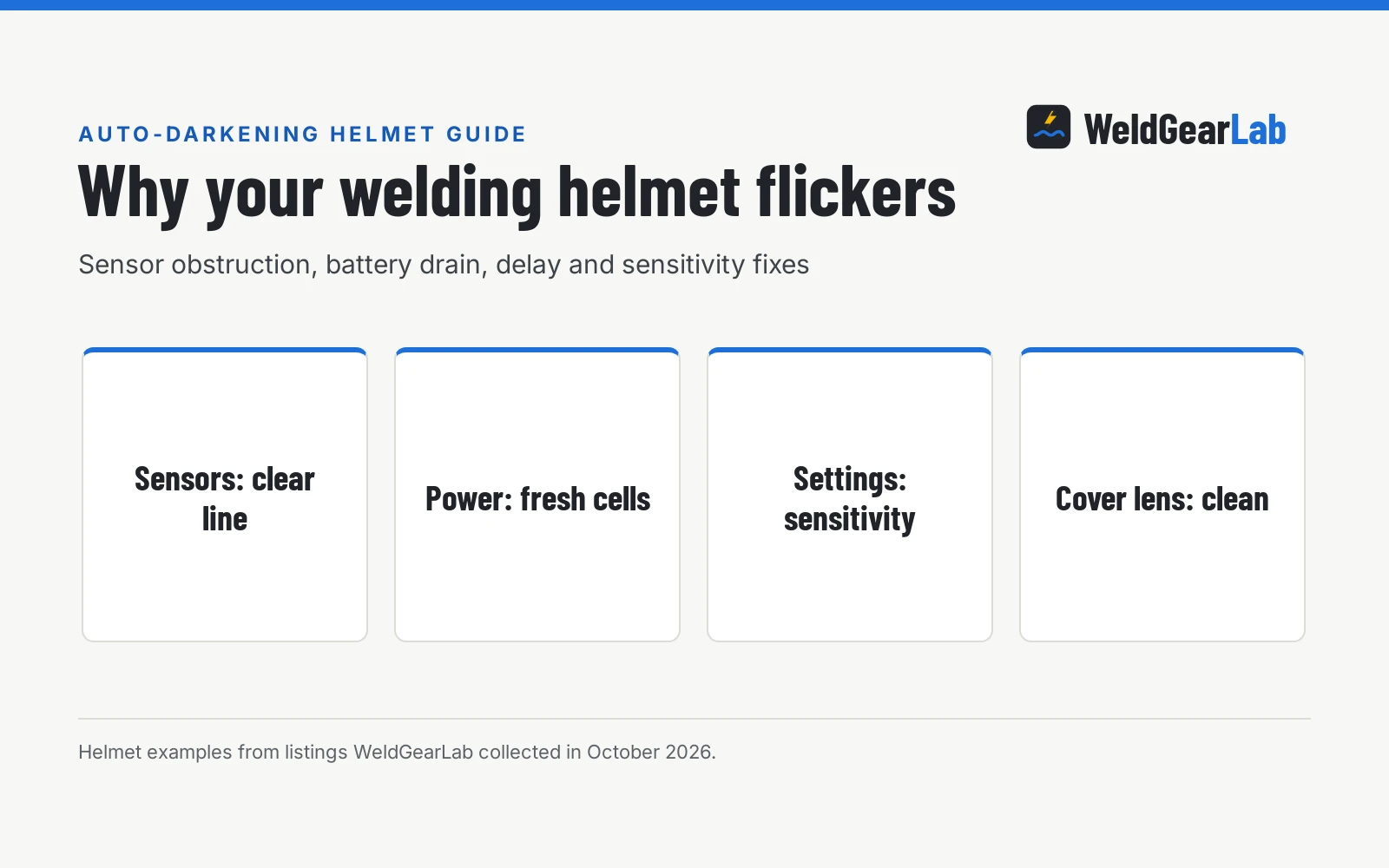
Why does my auto darkening helmet flicker while welding? An auto-darkening welding helmet flickers when its optical arc sensors lose line of sight to the weld puddle, when the sensitivity dial is adjusted too low for the welding amperage, or when the power supply drops below operating voltage. Dirty protective cover lenses, an active grind mode, and short delay settings also trigger rapid switching between dark and light states. Understanding why your lens opens unexpectedly helps you fix the issue and prevent eye strain and flash dazzle.
As an Amazon Associate I earn from qualifying purchases. This guide links to our product roundups, where WeldGearLab earns a commission when you buy through links, at no extra cost to you. Read our affiliate disclosure.
Why does my auto darkening helmet flicker?
An auto-darkening filter relies on photo-sensors that detect light emitted by the electric arc. When these sensors register the arc, an internal circuit sends an electrical charge to liquid crystal layers inside the cartridge, aligning them to block incoming light. If anything interrupts that sensor circuit, or if the light reaching the sensors dips below the activation threshold, the filter drops back to its light state. Because an electric welding arc naturally fluctuates, a cartridge operating on marginal sensitivity or intermittent power rapidly switches back and forth, creating a strobe or flickering effect that strains your vision.
Side by side
| Flicker cause | Primary symptom | Underlying trigger | Recommended fix |
|---|---|---|---|
| Blocked arc sensors | Strobing during out-of-position welds | Hands, torch nozzle, or clamps obstruct optical path | Reposition hands or switch to a hood with additional sensors |
| Low sensitivity setting | Lens flutters on low-amperage TIG | Arc brightness remains below detection threshold | Turn sensitivity dial up until dark shade holds steadily |
| Depleted battery | Lens drops to clear state mid-weld | Low voltage prevents liquid crystals from holding dark state | Install fresh batteries or connect rechargeable units to power |
| Dirty cover lens | Erratic flickering on arc strike | Spatter pits and smoke film diffuse incoming light | Clean cover plate or replace with a fresh protective shield |
| Short delay duration | Lens flashes clear during brief arc pauses | Cartridge opens before puddle cools or arc stabilizes | Increase delay control dial to hold shade during pauses |
| Grind mode active | No darkening or rapid fluttering | Auto-darkening circuit disabled for grinding tasks | Switch external control knob or internal setting to weld mode |
Most helmet flickering traces back to sensor obstruction, battery exhaustion, or improper dial adjustments. Correcting the underlying cause protects your vision and prevents eye strain during long fabrication sessions.
Sensor obstruction and sensor count
The most frequent cause of lens flickering is a physical obstruction between the welding arc and the helmet sensors. When you weld out of position, angle your MIG gun nozzle, or hold a TIG torch close to a joint, your hands or equipment can shadow the sensors. When the sensors lose direct view of the arc light, the cartridge opens to its light shade, then snaps dark again as the arc shifts.
Sensor count plays a major role in how well a hood resists flickering. Helmets with 2 arc sensors, such as the YESWELDER, TOOLIOM, and CZMOONSEE listings, provide basic coverage for flat bench welding, but shadowing either sensor can trigger flicker. In contrast, the TRQWH listing features 4 arc sensors, and the ANDELI and ARCCAPTAIN listings provide 5 arc sensors. Multiple sensors arranged across the faceplate ensure that even if your hands or torch nozzle block a side, remaining sensors keep the filter dark. If you frequently weld out of position or pipe joints, choosing a hood with more arc sensors provides broader optical coverage to minimize angle-related shadowing.
Low sensitivity settings
The sensitivity dial determines how much arc light is needed to trigger and maintain the dark state. When sensitivity is set too low, the sensors fail to recognize low-amperage arcs, particularly during DC TIG welding or small MIG tack welds. As the puddle size varies, the sensor drops the dark state, causing the lens to strobe between dark and clear.
To fix low sensitivity, turn the sensitivity dial up gradually until the lens stays dark consistently throughout your weld. If you set the sensitivity dial too high, bright ambient sunlight can lock the lens into the dark state before you strike an arc, while fluctuating high-bay shop lighting can trigger false flickering. The goal is setting sensitivity high enough to track your puddle without reacting to surrounding shop illumination. For detailed advice on balancing these dials, read our welding helmet sensitivity and delay settings guide.
Battery drain and power supply issues
Auto-darkening cartridges require steady electrical power to maintain shade darkness. When the internal power source weakens, the liquid crystal layer cannot maintain its polarized alignment, causing the lens to flutter or drop out mid-bead. Many welders assume their helmet is broken when the issue is simply an exhausted battery.
Different hoods utilize distinct power architectures. The CZMOONSEE listing relies on replaceable CR2032 lithium coin cells, while the TRQWH listing and ARCCAPTAIN listing utilize replaceable CR2450 lithium batteries paired with solar assist. Other models, such as the ANDELI listing with its 500mAh rechargeable pack or the TOOLIOM listing with its 600mAh battery, use rechargeable systems. In these solar-assisted designs, the solar cell helps extend operating life during welding, but the cartridge relies on battery power to trigger and hold shade. If your hood flickers after sitting in storage, replace replaceable coin cells or plug in rechargeable units before striking an arc. For a deeper breakdown of power architectures, see our welding helmet solar vs battery guide.
Delay time and switching speed
Delay controls how quickly the lens returns to the light state after the welding arc stops. If your delay is set to minimum, brief arc dips, spatter bursts, or high-frequency pulses can fool the cartridge into thinking the weld ended, causing a flash of light before darkening again. Increasing delay keeps the lens dark during brief interruptions and protects your eyes from glowing red-hot weld puddles.
The TOOLIOM listing specifies an adjustable delay time of 0.1-1S, allowing welders to keep the lens dark longer after breaking an arc. Response times also vary across models. Listings specify switching speeds ranging from less than 1/5000 second on the YESWELDER listing to 1/10000 second on the CZMOONSEE listing, 1/25000 second on the TOOLIOM and TRQWH listings, and 1/30000 second on the ANDELI and ARCCAPTAIN listings. A slower reaction speed can produce a noticeable flash at arc strike that some welders mistake for flickering, whereas faster filters darken almost imperceptibly.
Dirty cover lenses and grind mode
Clear protective cover lenses shield the delicate auto-darkening filter from heat, smoke, and weld spatter. Over time, spatter pits and smoke film accumulate on the outer shield. This buildup diffuses arc light and blocks the sensors from gathering enough illumination, producing erratic flickering. Regularly wiping the outer shield clean and swapping out pitted lenses restores full optical reception.
Another common mistake is leaving the hood in grind mode. When grind mode is active, the auto-darkening circuitry is disabled to allow grinding sparks without triggering dark shade. If you strike an arc while in grind mode, the helmet will remain clear or flutter. Always verify your external control switch or digital display is set to weld mode before beginning your joint. For step-by-step operating instructions, consult our guide on how to use an auto darkening welding helmet.
When to replace your welding helmet
If you have installed fresh batteries, cleaned your cover lenses, verified weld mode, and dialed up sensitivity, yet your helmet continues to flicker, the auto-darkening filter cartridge may have suffered internal circuit failure or liquid crystal degradation. Operating with a failing hood exposes your eyes to repetitive visible glare, leading to severe eye fatigue and headaches.
When replacing an aging hood, verify stated safety certifications. For example, the TRQWH listing indicates compliance with ANSI Z87.1, EN379, and CSA Z94.3 standards. If you are ready for a reliable hood with advanced optical clarity and multi-sensor reliability, check our best auto darkening welding helmet guide for top-rated options.
Eye safety and visible glare. While certified filters continuously block harmful ultraviolet and infrared rays, lens flickering repeatedly exposes your eyes to intense visible arc brightness. That rapid cycling causes severe eye strain, headaches, and temporary flash dazzle. If your helmet flickers or fails to hold shade, stop welding immediately, inspect your hood, and wear safety glasses under the helmet at all times.
Frequently Asked Questions
Can flickering cause arc eye?
No. Quality auto-darkening filters provide continuous, passive protection against ultraviolet and infrared radiation, even in their clear state. However, flickering repeatedly exposes your eyes to intense visible light, which causes severe eye fatigue, headaches, and temporary flash dazzle. If your helmet flickers, stop welding immediately to prevent visual strain.
Why does my welding helmet flicker only on TIG?
TIG welding generates a steady, smooth arc that produces less high-frequency light flicker than MIG or stick processes, especially at low amperages. If your sensitivity dial is set too low or your torch hand blocks the sensors, the cartridge cannot detect the softer arc. Increasing sensitivity and using a hood with more arc sensors solves the problem.
How do I know if my helmet battery is dead?
A weak or dead battery causes the cartridge to remain completely clear, flicker rapidly, or switch slowly. Many modern digital hoods feature an on-screen battery indicator, while solar-assist models may work briefly under bright lights before fluttering during welding. Swapping in fresh batteries or charging the internal cell confirms whether power was the issue.
Does cold weather cause auto-darkening helmets to flicker?
Freezing temperatures slow down liquid crystal response times and reduce battery voltage. In cold environments, a chilled cartridge may react sluggishly or struggle to maintain a stable dark state. Storing your helmet at room temperature prior to welding helps maintain normal switching and battery performance.
Can indoor shop lighting make a helmet flicker?
Yes. High-frequency fluorescent fixtures, modulated LED shop lights, and nearby grinding sparks emit light variations that can falsely trigger high-sensitivity sensors. If your sensitivity dial is set too high, the lens may flutter or lock dark under shop lighting alone. Dialing back sensitivity slightly eliminates false triggering while keeping the sensors responsive to the arc.
Related: welding helmets hub, welding helmet sensitivity and delay settings, welding helmet solar vs battery guide, and our guide on how to use an auto darkening welding helmet.
About the author
WeldGearLab Editorial is the editorial team behind WeldGearLab. We research product listings, specifications, safety listings and warranty terms, score every pick with the published Gear Score method, and correct errors when readers report them. We do not run our own shop trials; see How We Pick for exactly how picks are made.