Digital Angle Finder vs T Bevel: Which One Should You Buy?
A digital angle finder reads the angle as a number; a T-bevel transfers it mechanically. This guide compares the two for metal fab work, with four listing examples.

On this page
Top picks at a glance
As an Amazon Associate I earn from qualifying purchases.
- 1
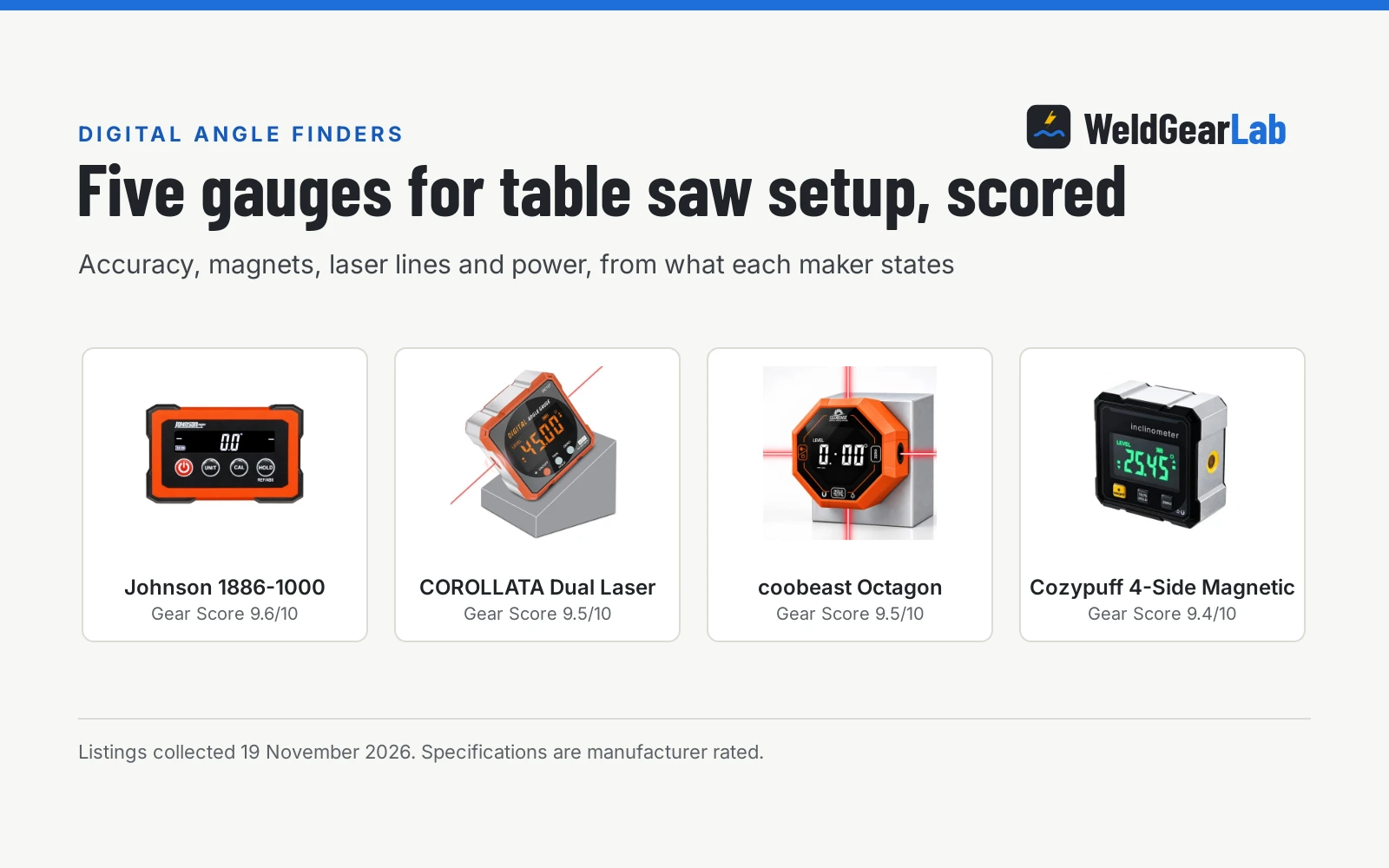
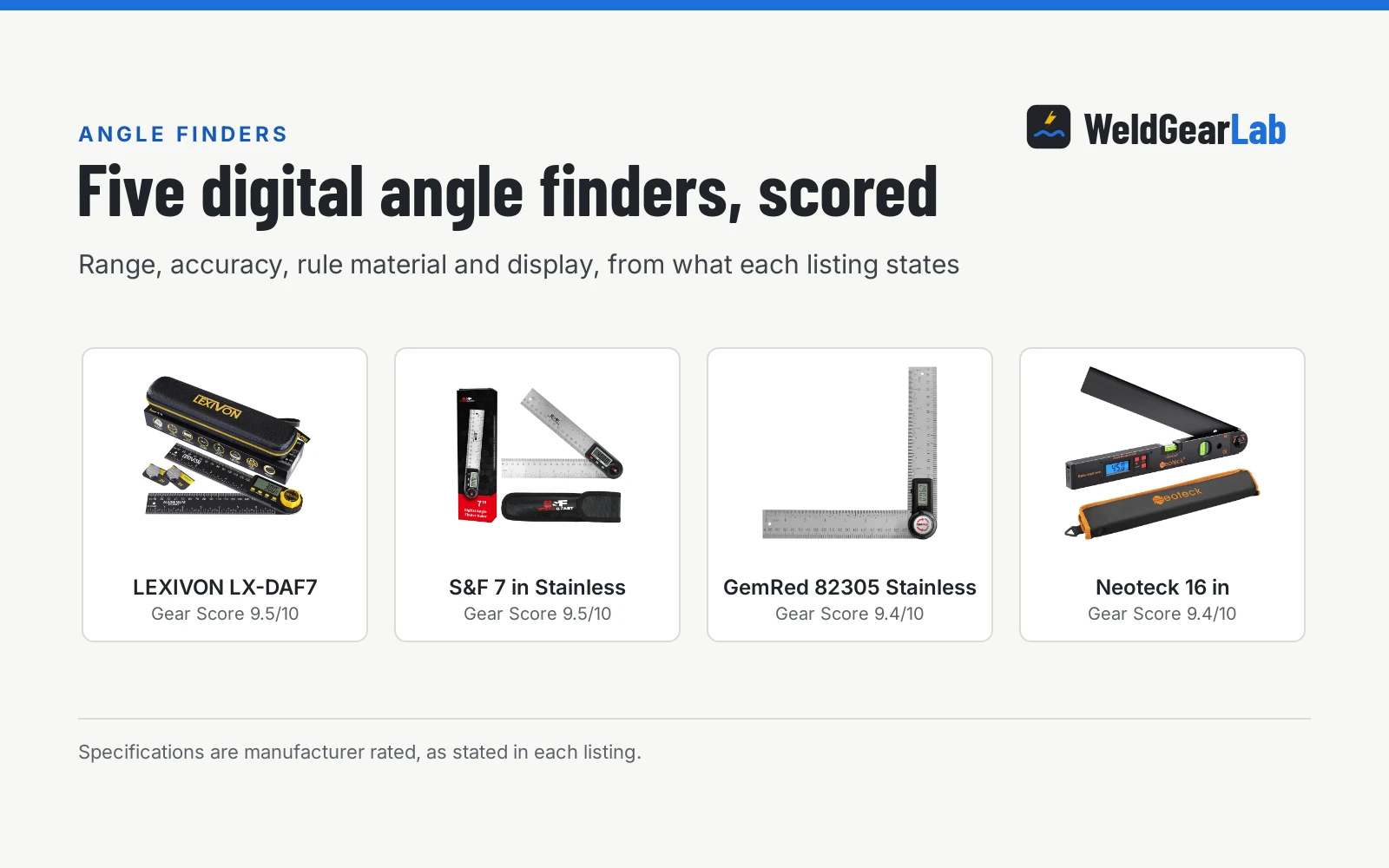
 LEXIVON Aluminum Digital Angle Finder Gauge9.5/10View on Amazon
- 2
 Digital Angle Finder Tool with Case9.5/10View on Amazon
- 3
 General Tools Digital Angle Finder Ruler #8229.5/10View on Amazon
- 4
 GemRed 82305 Digital Angle Finder Protractor Stainless SteelView on Amazon
- 5
 Digital Angle Finder with Miter ButtonView on Amazon
- 6
 JORGENSEN Digital Angle FinderView on Amazon
- 7
 GemRed 82305 Aluminum Digital Angle Finder ProtractorView on Amazon
- 8
 Neoteck Digital Angle Finder with Flip LCD VA ScreenView on Amazon
A digital angle finder and a T-bevel do different jobs that overlap at one point: getting an angle from the work to the tool. A digital angle finder reads the angle as a number on a display. A T-bevel copies the angle mechanically so you can carry it to a saw, a grinder or a piece of stock. If you need the number, buy the digital finder; if you need to carry the angle across the shop, the T-bevel is the simpler tool. That is the whole digital angle finder vs t bevel question, and the rest of this guide is about which one fits your work.
Other welders and gear to compare
 GemRed 82305 Digital Angle Finder Protractor Stainless SteelCheck price on Amazon
 LEXIVON Aluminum Digital Angle Finder GaugeCheck price on Amazon
 Digital Angle Finder with Miter ButtonCheck price on Amazon
 JORGENSEN Digital Angle FinderCheck price on Amazon
 GemRed 82305 Aluminum Digital Angle Finder ProtractorCheck price on Amazon
 Neoteck Digital Angle Finder with Flip LCD VA ScreenCheck price on Amazon
This guide links to our product roundups, where WeldGearLab gets a commission on purchases made through links on this page, and your price stays the same. Read our affiliate disclosure.
The difference in one paragraph
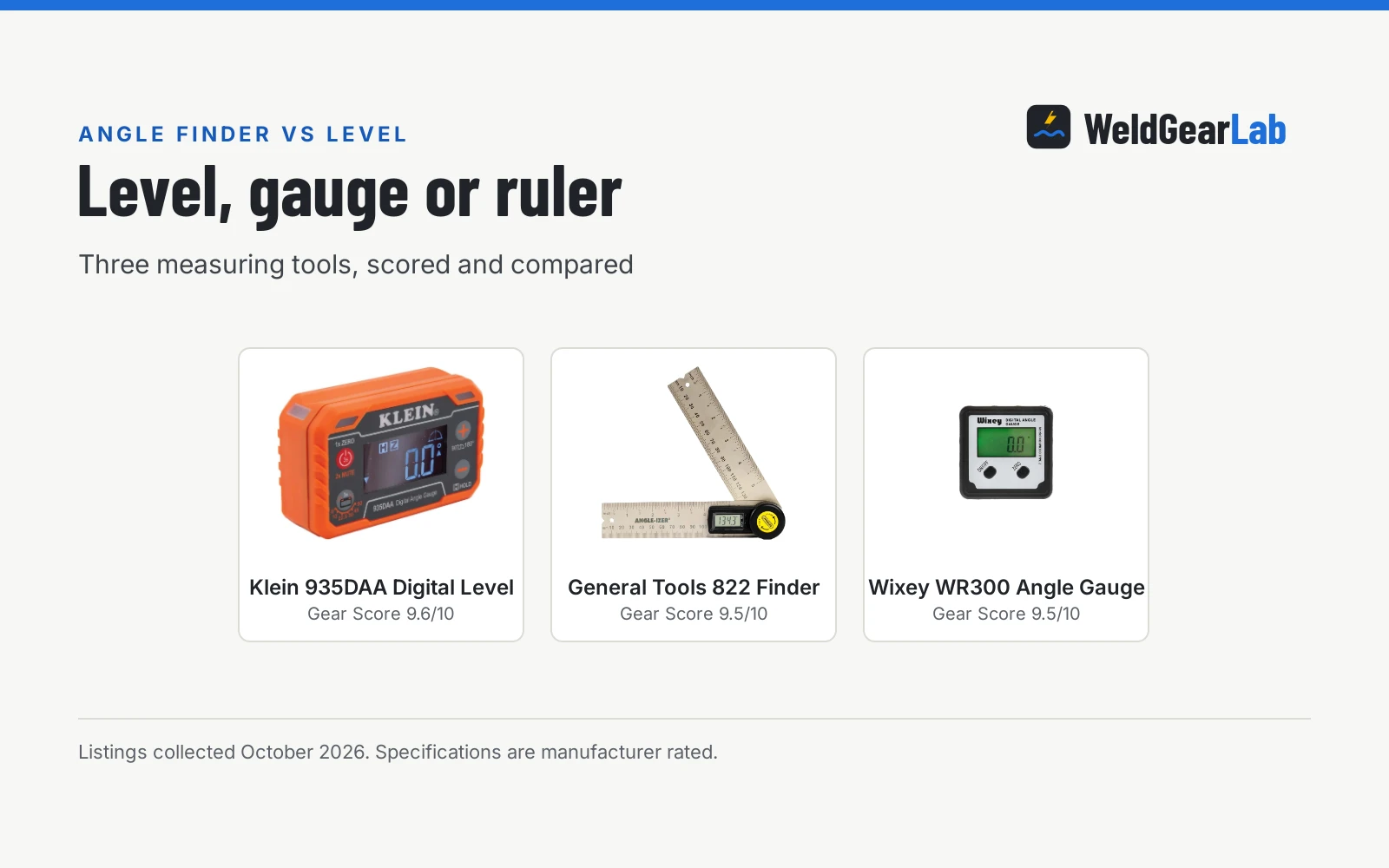
A digital angle finder is a measuring instrument: open it against the work, read the number, set your saw or grinder to match. It needs a battery, and the gauge-style finders are most trustworthy after zeroing against a reference surface, as the Wixey and Trend listings describe. A T-bevel is a transfer tool: a blade pivots on a handle, you set it to the angle on the work, lock it, and carry that exact angle to the saw or the stock. No battery, no display, no number; the angle lives in the tool until you use it. One listing here, the General Tools 828, puts both in one handle: a sliding T-bevel with a digital protractor on it.
Side by side
| Digital angle finder | T-bevel | Hybrid: General Tools 828 | |
|---|---|---|---|
| Readout | Number on a display | No readout; transfers the angle | Both: digital readout and blade transfer |
| Power | Battery powered | None | Battery powered, CR2032 per bullets |
| Transfer | Read the number, set the tool | Lock the blade, carry the angle | Lock the blade, read the number |
| Magnetic base | Stated on the Wixey and Trend listings | Not stated on the 828 | Not stated |
| Accuracy | Plus or minus 0.2 to 0.3 degrees stated | As accurate as your transfer | No accuracy figure stated |
| Locking | GemRed locks at any angle | Sliding bevel locks | Sliding bevel locks; reading hold stated |
Accuracy and range figures are as stated in each listing and collected 22 October 2026. A T-bevel has no stated accuracy figure of its own; what you carry over is only as good as the setting and the lock.
When a digital angle finder is the better choice
- You need the number. Setting a table saw, miter saw or chop saw blade to an exact angle, which is what the Trend DLB listing is written for, or dialing in bevel cuts, miters and compound angles, which is the Wixey listing’s use case.
- Repeatability. Cutting the same angle many times: read it once, set every cut to the number.
- Dim shops. The Wixey and Trend listings both state a backlit LCD display for reading in poor light.
- Hands-free setup. The Wixey and Trend listings state magnetic bases that stick to saw blades, fences and tables.
- Unlevel surfaces. The Wixey zero calibration and the Trend zero function let you set a reference on a bench that is not perfectly level.
When a T-bevel is the better choice
- Transferring an existing angle. Coping an odd corner, matching an existing bracket, fitting tube to a post: set the blade, lock it, carry it over.
- No battery to die. A plain sliding bevel works whenever you pick it up.
- Reach. The General Tools 828 states an 8 inch stainless steel blade with 360-degree digital measurement for long layout lines.
- Both at once. The 828 is a sliding T-bevel with a digital protractor built in, so it transfers like a bevel and reads like a finder.
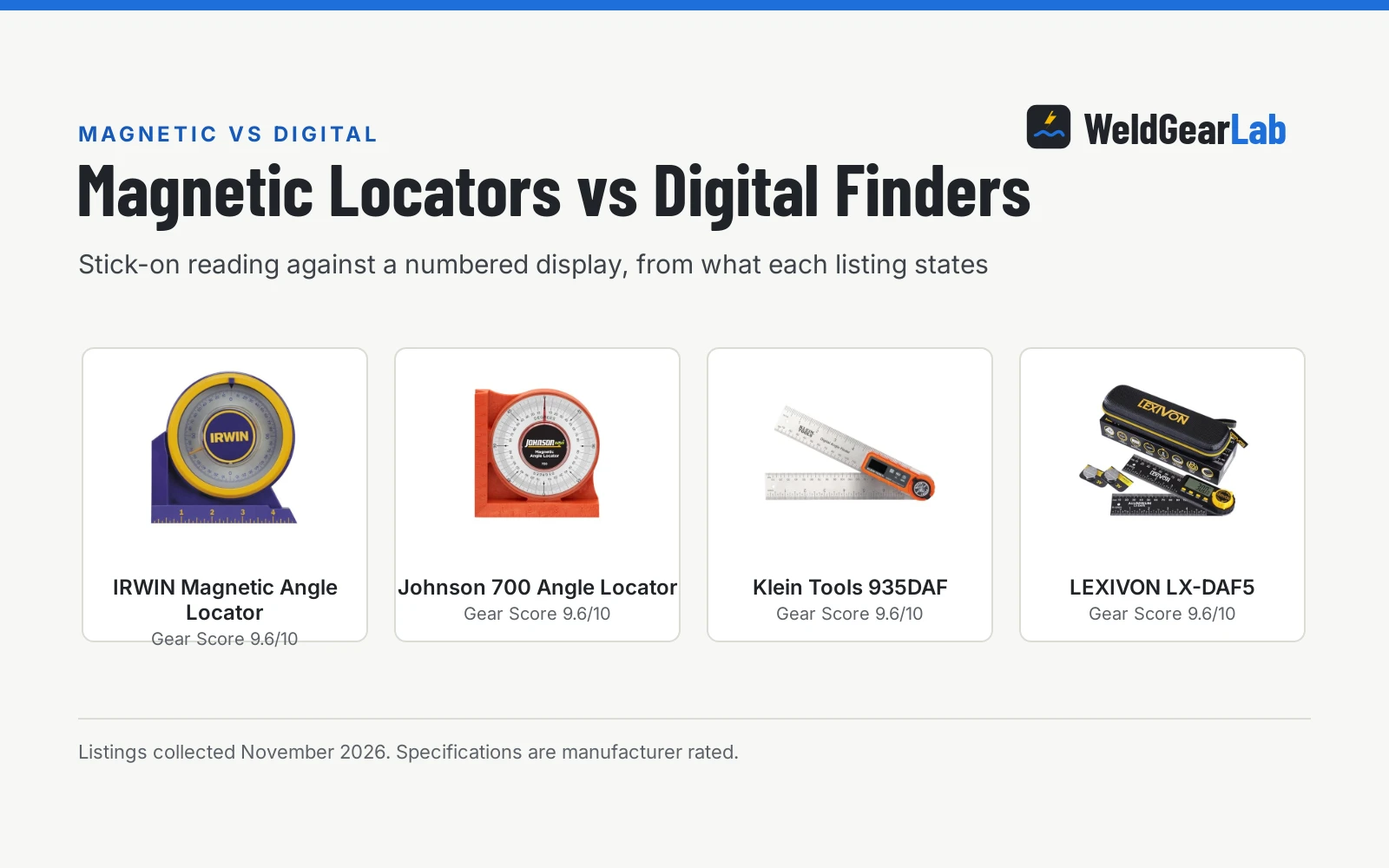
Our best magnetic angle finder guide covers numeric gauges in more depth.
How to read the listings
Accuracy is the first figure to compare. The GemRed states plus or minus 0.3 degrees; the Wixey states plus or minus 0.2 degrees with 0.1 degree resolution. Resolution is the smallest change the display shows; accuracy is how close the reading is to true. The Wixey also states a 180 degree range. Neither the Trend nor the General Tools listing states an accuracy figure, so there is nothing to compare there.
Next, look at the reference features. The Wixey has a zero calibration function; the Trend zeroes to any surface, which the listing says makes it easy to set 90 degree, 45 degree or custom angles on an unlevel bench. The GemRed locks at any angle for easy reading, and it explicitly states there is no reverse angle or display function, while the 828 lists reading hold, read reverse angle and flip display among its five functions. Small thing, but it decides whether you can read the tool upside down.
Batteries and warranty close out the comparison. The GemRed includes its CR2032; the Wixey takes 1 AA; the 828’s bullets say CR2032 is included while its spec table says CR2, and the bullets win. The Trend states a one year manufacturer warranty and the General Tools a 1 year parts warranty; the Wixey and GemRed listings state no warranty term.
Four examples from the listings
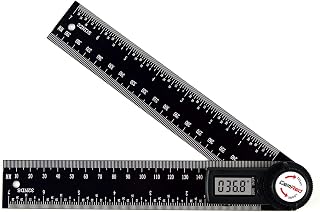
The GemRed 82305 is the stainless ruler style: laser etched stainless steel rulers, plus or minus 0.3 degree accuracy, a locking function and a CR2032 in the box. Its listing contradicts itself on size and weight: the bullets say about 7.5 inch folded, the spec table says 8.5 inches, and the weight is 160g in one place and 7.4 ounces in another. The spec table also warns of sharp edges, so handle it by the flat.
The Wixey WR300 Type 2 is the magnetic gauge style: 0.1 degree resolution, plus or minus 0.2 degree accuracy, a magnetic base, a backlit LCD, zero calibration and auto shut-off, in a 6 by 4 inch alloy steel body at 91g on 1 AA battery. No warranty term is stated.
The Trend DLB is the compact level box: magnetic base, backlit LCD with auto-adjusting orientation, zero function, a 1.1 by 1.1 inch aluminium body at 170g, and a stated one year manufacturer warranty. It is the smallest of the four and the most explicit about saw setup.
The General Tools 828 is the hybrid: a sliding T-bevel with a digital protractor, an 8 inch stainless steel blade with 360-degree digital measurement, an impact-resistant ABS handle, four buttons covering five functions, auto shut-off and a 1 year parts warranty at 6.7 ounces. The battery line contradicts itself, CR2032 in the bullets against CR2 in the spec table; trust the bullets.
Sharp edges. The GemRed spec table lists sharp ruler edges. Keep the locking screw snug so the blade does not swing open in the toolbox, and wipe the laser etched scales clean before reading.
Digital angle finder vs t bevel: which to reach for
Reach for the digital finder when the job ends in a number: saw setups, repeated angles, documented fit-up. Reach for the T-bevel when the job ends in a transfer: copying an angle from the work to the tool with nothing in between. If you do both kinds of work, the hybrid 828 style covers both, with the usual compromise that one tool does neither job quite as simply as the dedicated one.
FAQ for welders
What is the difference between a digital angle finder and a T-bevel?
A digital angle finder displays the angle as a number; a T-bevel has no readout and transfers the angle mechanically from the work to the tool. The General Tools 828 combines both in one tool.
How accurate are digital angle finders?
As stated in the listings: plus or minus 0.3 degrees for the GemRed 82305 and plus or minus 0.2 degrees for the Wixey WR300 Type 2, which also states 0.1 degree resolution. The Trend and General Tools listings state no accuracy figure.
Do digital angle finders need batteries?
Yes. The GemRed includes a CR2032, the Wixey takes 1 AA, and the 828’s bullets say CR2032 is included. A plain T-bevel needs no battery.
What does the zero function do?
It sets a reference on whatever surface the gauge sits on. The Wixey calls it zero calibration and the Trend calls it a zero function; both exist for benches and saws that are not perfectly level.
Can one tool work as both?
The General Tools 828 is built as both: a sliding T-bevel with a digital protractor, an 8 inch stainless blade, and functions including reading hold and reverse angle. It is the only one of the four that transfers and reads.
Related: best magnetic angle finder, best magnetic angle finder under 30, best combination square for metal work and best combination square under 20. Also see how to bevel metal for welding, best angle grinder for beveling steel and our metal fab tools hub.